Roofing and siding decisions affect the same building. A roofing and siding visualizer helps customers compare those choices together, including trim, accent areas, and wainscot. FRMWRK’s MDLR demo brings wall and roof product selections into an interactive 3D view so customers can examine a combination before the quote conversation.
Why roof and wall choices belong in one view
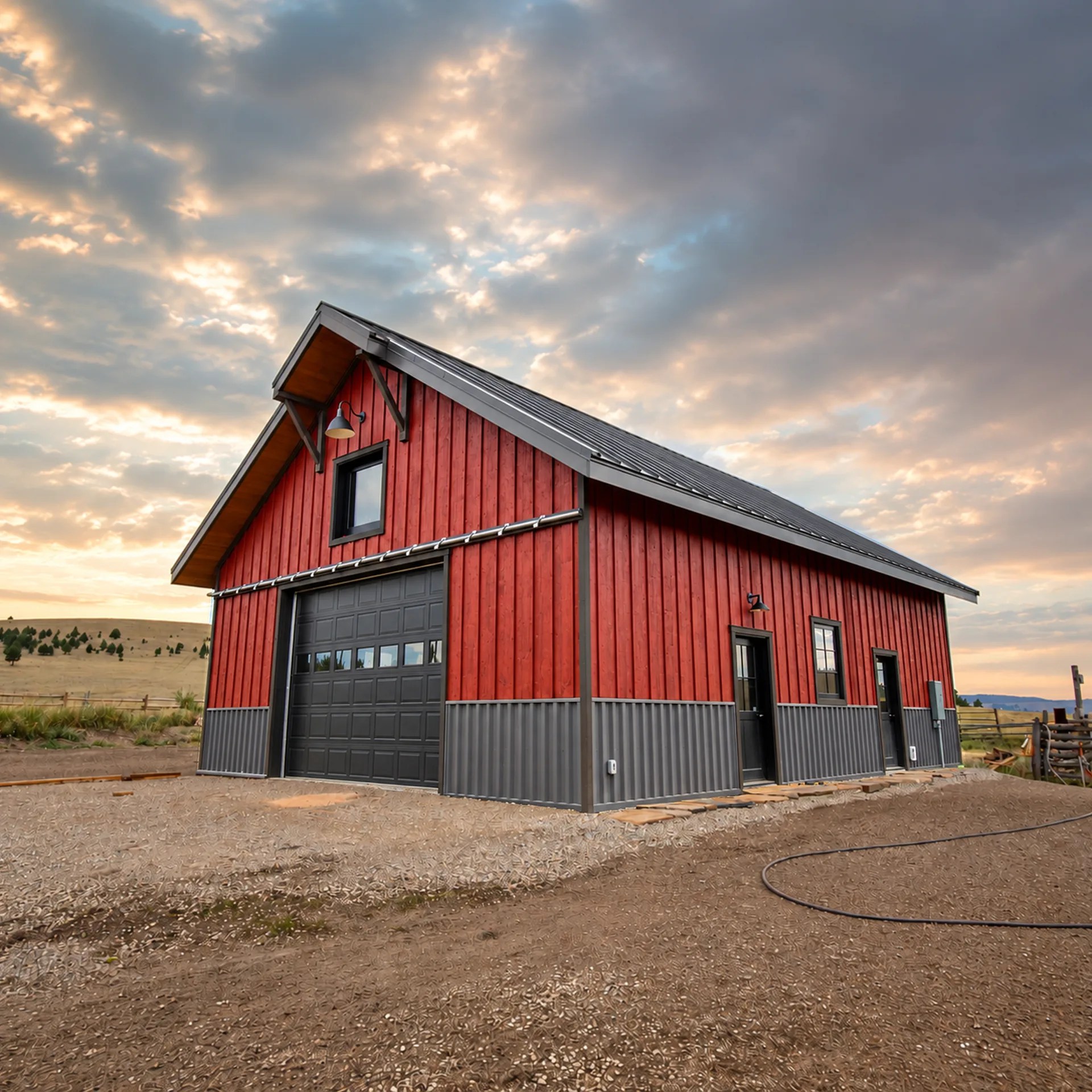
A roof color can change how a wall finish reads. Trim can connect the two or create contrast, while wainscot introduces another proportion and texture. Reviewing each item separately makes it harder to judge the complete exterior. A combined view gives customers and sales teams a shared reference for the conversation.
Metal roofing needs more than a flat color
Standing seam, exposed-fastener panels, corrugated profiles, and other systems have different visual rhythms. Panel geometry, orientation, and finish affect the preview. The MDLR demo includes selectable roof profiles such as nail strip, snap lock, mechanical lock, and exposed-fastener options. Catalog availability in a custom deployment is defined with the supplier’s product information.
A practical comparison sequence
Choose the main siding first, then compare two or three roof options against it. Review trim and wainscot after the dominant surfaces are settled. Rotate the structure to look at roof planes and wall elevations together. Keep the preferred product names and finish references so the supplier can verify availability and suitability.
Support a quote without pretending to engineer the roof
Visualization shows appearance. It does not establish structural capacity, code compliance, fastening schedules, panel span, or weather performance. Final specifications come from the relevant product documentation and project professionals. If quantities, pricing, or order handoff are needed, those functions require their own agreed inputs and workflow.
Build a branded version for your team
For a manufacturer, dealer, or installer, the next step is a catalog review and a discussion of the sales process. Identify the roof and siding systems you want to present, available colors, representative structures, and the information a quote request should capture. FRMWRK can then scope the visualizer and its website connection.
Frequently asked questions
Does the demo include both roof and wall products?
Yes. The current MDLR demo exposes separate roof, wall, and wainscot selections on configurable 3D structures.
Does a preview show the exact installed color?
No screen preview guarantees an exact physical match. Lighting, displays, material texture, and real conditions affect appearance. Confirm finishes with physical samples.
Make the next move concrete.
Tell us what you sell, what your customers need to see, and where the project should go next. We’ll discuss a scope built around your operation.
Request a project conversation ↗